NAL Laundry Mobile App
by KioSoft Technologies.
You no longer need to separate your pocket change to make sure you have enough quarters, then run to the store to get some extra change.
At select properties you can enjoy our NAL Laundry Mobile App.
This system works directly with the PayRange/KioSoft readers installed on the laundry equipment.
Download our free app from the Android or Apple store and get started today if this system in installed where you live!
Make sure you are in an area with WiFi or data to download the app onto your phone and to put money on your account.
When loading a card on file, you must use the calendar to enter a date. (Manual entry will prompt you to re-enter the card).
When starting a washer or dryer, you must have Bluetooth turned on and be in the laundry room at the machine.
If you are experiencing any issues while trying to use the app please try the following:
1. Make sure your phone has all software/app updates installed.
2. Restart your phone
3. Log out of app to home screen.
Make sure the correct location is showing, and log back in.
If the location is incorrect, choose Re-Scan Registration QR Code & Enter SRC Manually. It will be a 7 digit code listed in the laundry room, usually NAL followed by 4 numbers.
4. Make sure the App settings are set correctly.
(Settings>Apps>NAL Laundry>Permissions>Camera/Nearby Devices/Notifications should be set to Allow to prevent any issues.
Camera should be on “Allow / On / Yes”.
5. Make sure Bluetooth is turned on, and not connected to any other devices while trying to start a machine.
6. Confirm your App Balance, and cost to start the equipment.
7. Try to enter the machine number manually instead of scanning the QR code.
If you are still having issues with the NAL Laundry App, please submit a service ticket, or call us at 412-361-2222 to help further. Please be as detailed as possible.
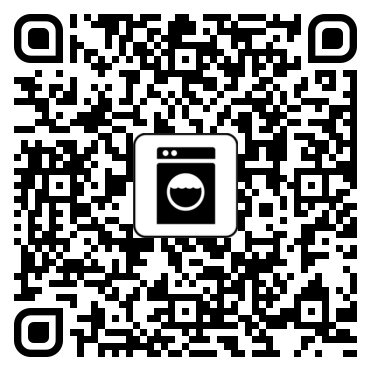
Android Users
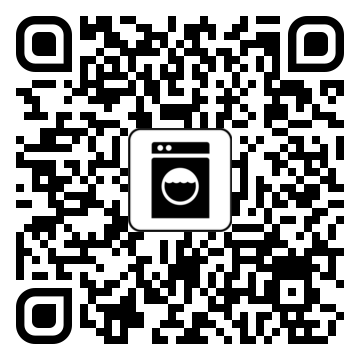
Apple Users