

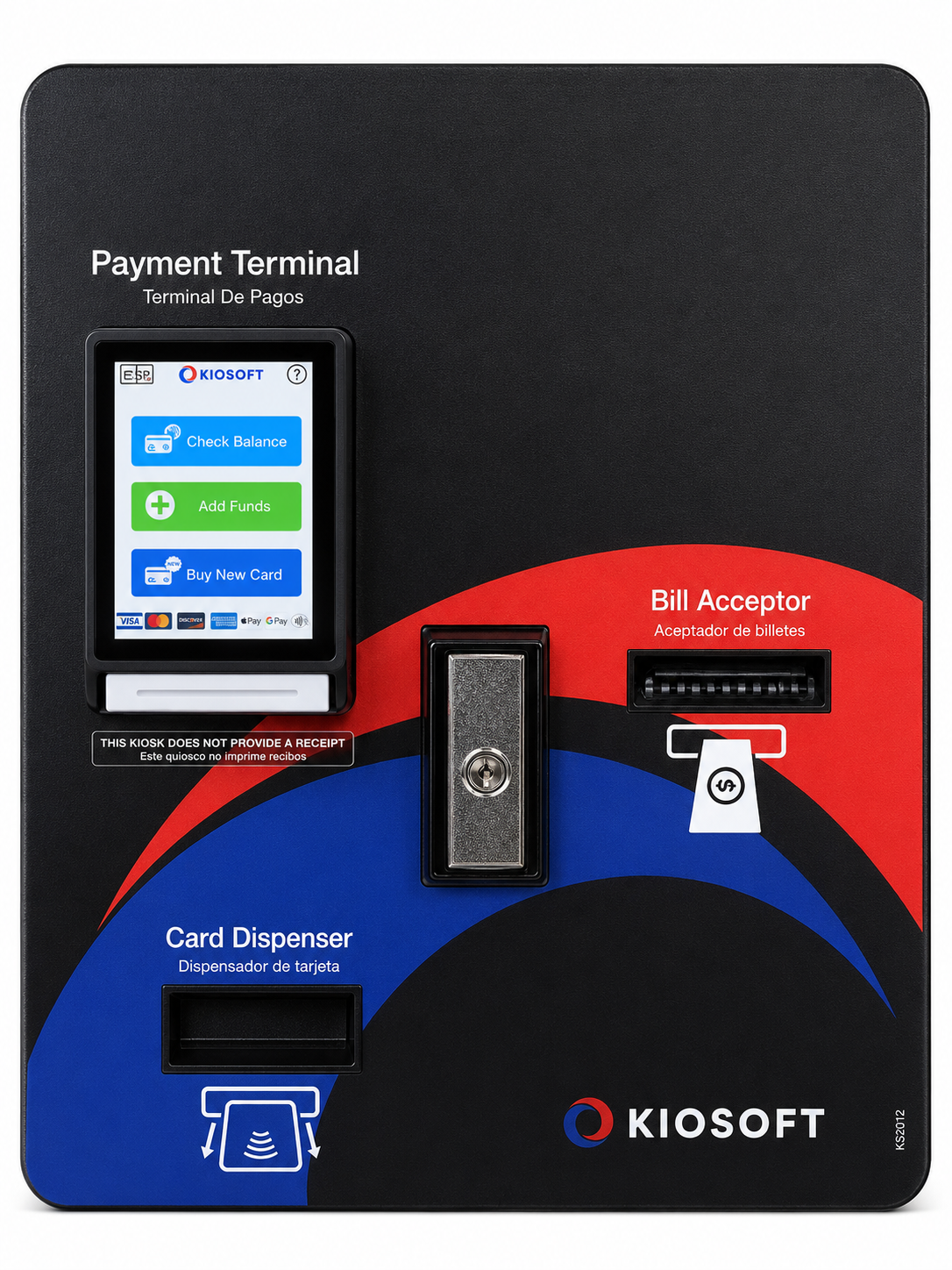
Click on the Kiosk to open instructional video on YouTube.
How to add value to NAL laundry card using the KioSoft Cashless Kiosk.
1. INSERT your NAL laundry card into the card reader.
2. Select “ADD FUNDS” and enter a U.S. bill.
$5, $10, and $20’s are accepted.
3. Press “CONFIRM”
BE PATIENT and wait for screen to show “ADDING TO YOUR CARD”.
4. Press “CONFIRM” again.
DO NOT REMOVE CARD UNTIL THE DISPLAY SHOWS YOUR NEW BALANCE!
You are done and ready to do laundry!
You can confirm your balance by selecting “CHECK BALANCE” on the main screen.
You can also watch a video of this process by clicking on the Kiosk picture above.